

The goal of hexsession is to create a tile of hexagonal logos for packages installed on your machine. Tiles can be created for a set of packages specified with a character vector, or for the loaded packages in your session (all packages attached to the search path except for base packages). Also supports vectors with paths to local images.
Install the development version from GitHub:
# install.packages("remotes")
remotes::install_github("luisdva/hexsession")With hexsession installed, we can create a self-contained HTML file
with tiled hex logos for all loaded packages in a session. If a package
does not have a logo bundled in man/figures/, if the logos
are added to .Rbuildignore, or if the image cannot be found easily, a
generic-looking logo with the package name will be generated.
For a given session with libraries loaded in addition to base packages:
# custom set of packages
hexsession::make_tile(packages=c("terra","sf","tidyr"))
The make_tile() function generates a self-contained HTML
file and writes it to a temp_hexsession/ subfolder inside
tempdir() by default. The function returns the path to the
HTML file and prints it as a message, so you always know where to find
it. To write the output to your project directory instead, pass
output_dir = getwd() (or any other path).
For a session with the following packages loaded:
library(annotater)
library(ggforce)
library(purrr)
library(forcats)
library(unheadr)
library(sdmTMB)
library(parsnip)
library(DBI)
library(broom)
library(vctrs)
library(patchwork)


hexsession::make_tile()
The output would look like this: 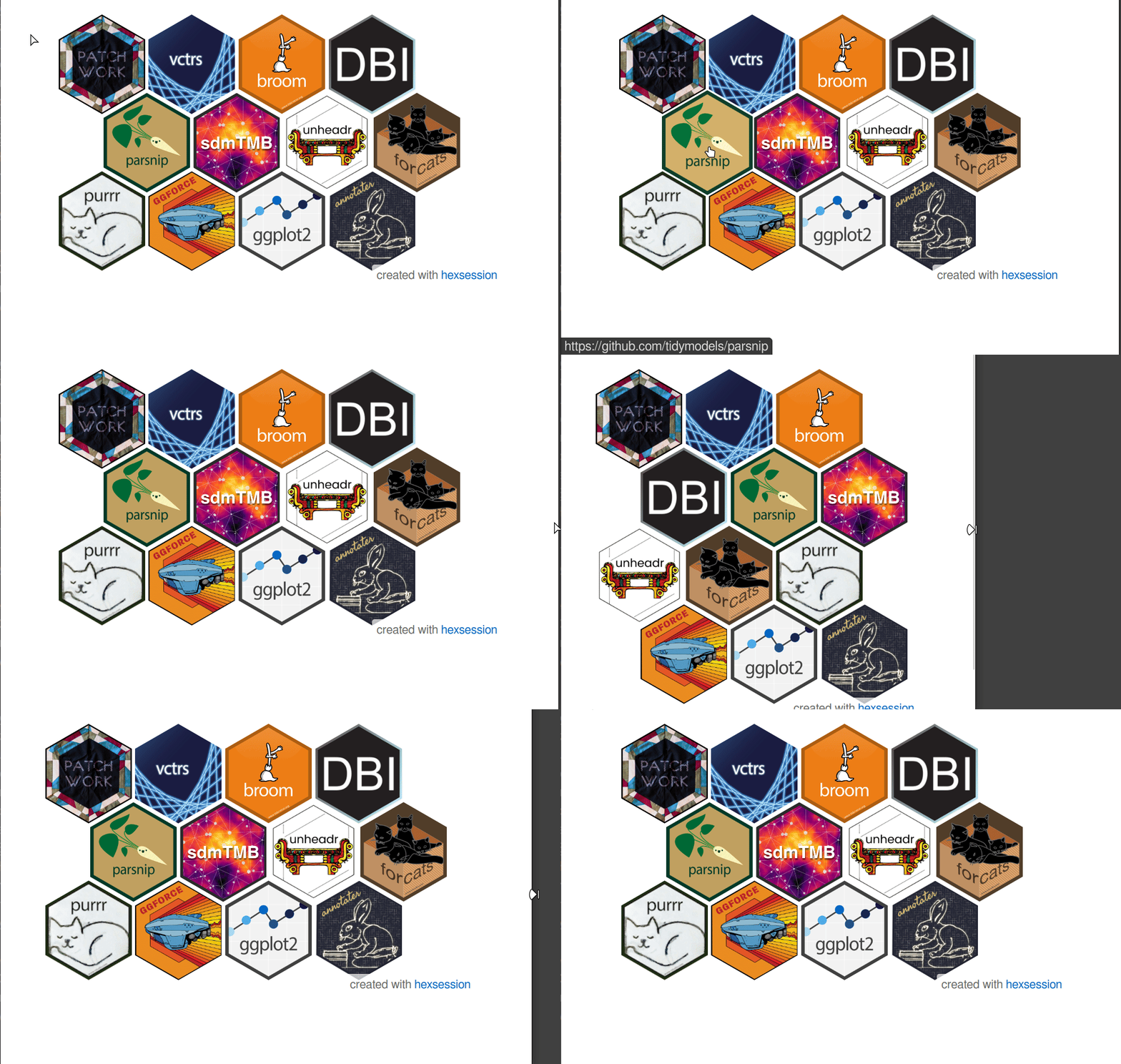
Once downloaded to your machine and opened in a browser, the hexout_example.html shows the interactive, responsive HTML version with cool hover effects that adapts to the size of the browser window and includes hyperlinks to each package website.
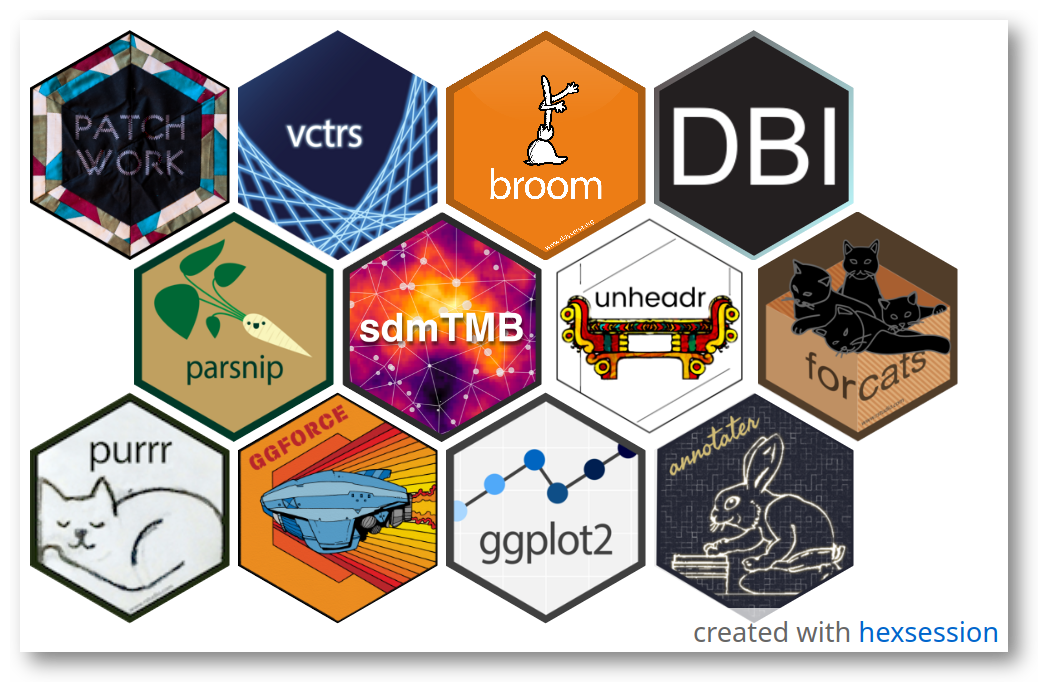
To save a static version of the hex tile, we call
snap_tile() with a path to the output image and optionally,
height and width values to change the viewport size.
The result:
Set highlight_mode to TRUE if you want a
tile in which all images are dimmed except the one being hovered over,
to emphasize individual packages interactively:
hexsession::make_tile(highlight_mode = TRUE)When making tiles for a vector of package names, use
focus to specify packages one or more packages that will be
highlighted by dimming all the other images in the tile.
To draw the tiles on a dark background, set dark_mode to
TRUE when creating or capturing your hex logos.
hexsession::make_tile(dark_mode = TRUE)
hexsession::snap_tile("test.png",dark_mode = TRUE)make_tile can now take vectors of additional images and
their respective but optional urls to include in the hex grid.
make_tile(packages = c("tidyterra", "sf"),
          local_images = c("path/to/your/image1.png",
                           "path/to/your/image2.png",
          local_urls = c("https://an-example.web",  "https://another-example.com"))
This package depends on working installations of magick and chromote,
and thus requires a Chromium-based web browser (e.g., Chrome, Chromium,
Opera, or Vivaldi) for snap_tile().
hexsession is very much work in progress and highly experimental. I am still learning good-practices for packages that create files and directories, use system commands, and launch browser sessions.
All feedback is welcome in any form (issues, pull requests, etc.)
css and html code for the responsive hex grid comes from this tutorial by Temani Afif.
The javascript code to populate the divs in the HTML template was written with input from the Claude 3.5 Sonnet LLM running in the Continue extension in the Positron IDE. Further refinements to the code were added using Claude Sonnet 4 running in the Positron Assistant extension. Latest checks were now aided by Posit Assistant (beta) running in RStudio with Claude Sonnet 4.6. All outputs double-checked and edited by LDVA.